
Halving your IT budget: How to calculate the Total Cost of Ownership (TCO) for used equipment
Buying a laptop the wrong choice: Why an expensive new purchase is often the worst option Year after year, companies invest immense sums in new ...



Imagine opening the box of your new laptop, eagerly anticipating installing Linux on it. Perhaps you already have experience with Linux, or you're just taking your first steps. Choosing the right laptop is crucial for getting the most out of your Linux experience. Two of the most renowned brands often discussed in the Linux community are Lenovo and HP. But which brand is the better choice? And what should you look for if you want to buy a used computer?
I still clearly remember my first encounter with Linux: an old Lenovo ThinkPad that I bought for little money. I installed Ubuntu on it and was surprised at how smoothly everything worked. This experience made it clear to me why so many in the open-source community swear by Lenovo. But HP also has a loyal fan base with its EliteBook and ProBook models.
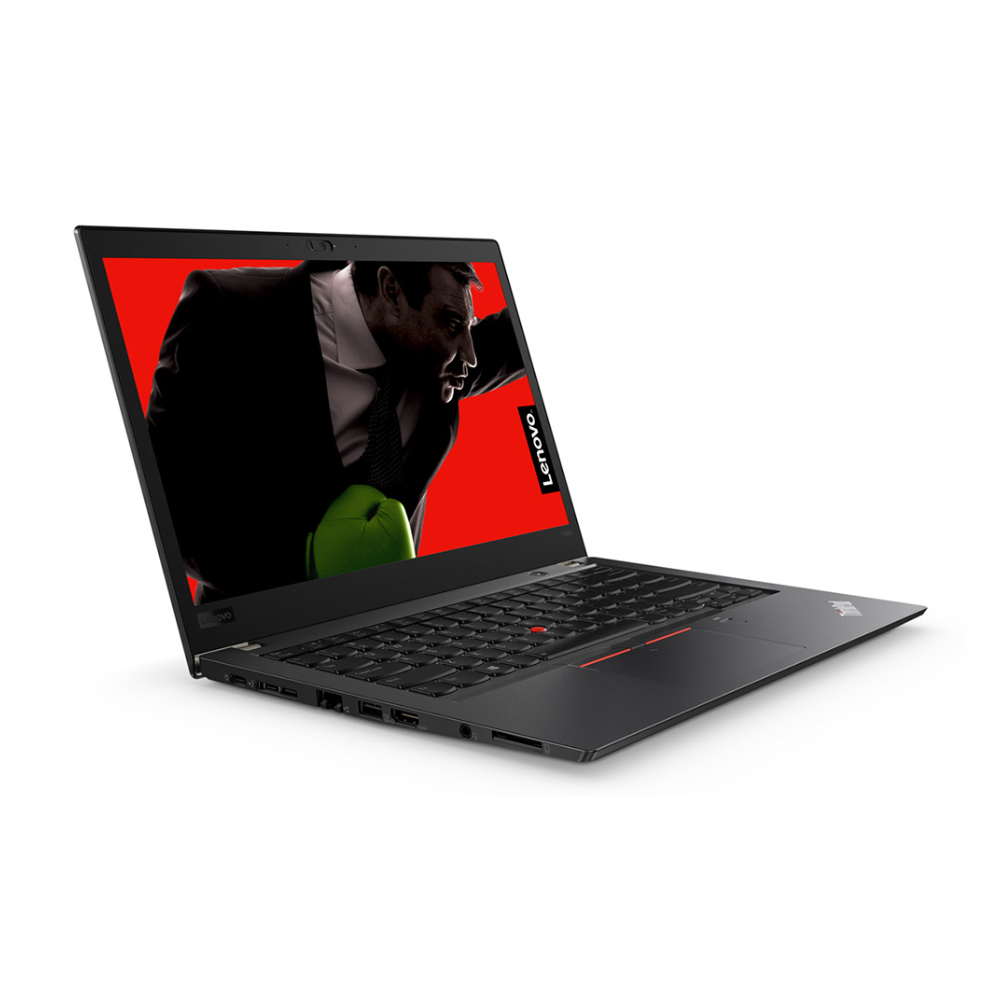
Lenovo has been known for its ThinkPad series for decades – laptops originally developed by IBM. They enjoy a legendary reputation in the Linux community due to their robust construction and excellent Linux support. Since the 90s, ThinkPads have been the first choice for developers and tech enthusiasts.
My first Linux laptop was a used ThinkPad T420. I bought it from an IT vendor, installed Debian on it, and was amazed at how smoothly it ran. The Linux Lenovo advantages were immediately noticeable:
Even today, many swear by Lenovo, especially the T and X series, because they promise excellent Linux compatibility.
If you choose a Lenovo notebook, you should first check whether your model has BIOS or UEFI options for disabling Secure Boot. Most current Lenovo laptops are perfectly compatible with Ubuntu or Fedora. A good choice for beginners is Linux Mint, as it promises a simple interface with hardware support.
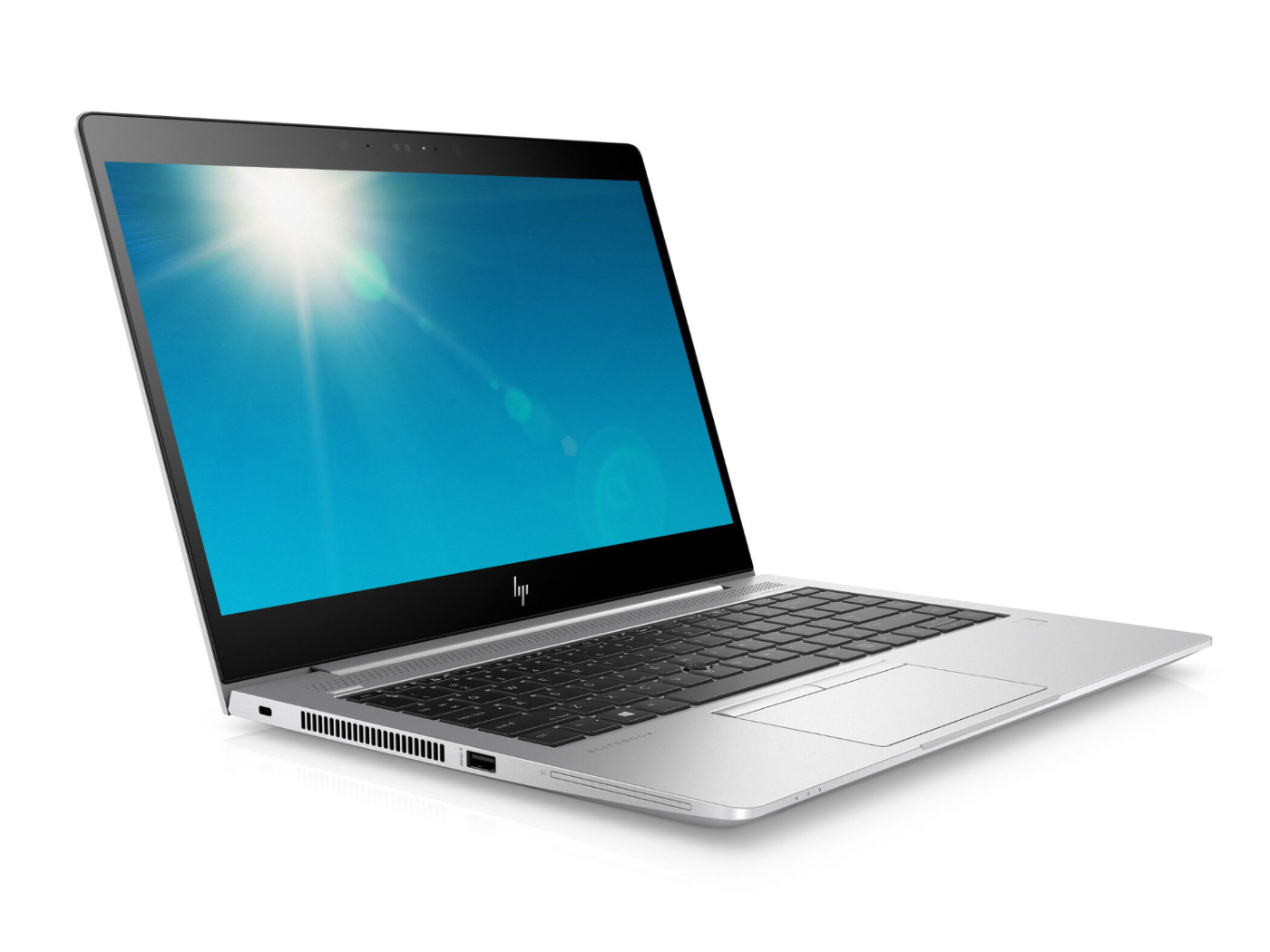
HP is primarily known for its business laptops, mainly the EliteBook and ProBook series. These devices are robust, well-equipped, and often designed for long-term use in businesses. But are they also good for Linux?
The short answer: Yes, but with minor limitations. While many EliteBooks run smoothly with Linux, some models have problematic Wi-Fi chips or fingerprint sensors. A quick check in Linux forums or on websites like linux-laptop.net often helps here.
A few years ago, a friend of mine bought a used HP EliteBook 840 G3. He wanted to move away from Windows and opted for Arch Linux. The first few days were not easy – he had to install an alternative Wi-Fi driver – but after a few adjustments, the system ran perfectly. He was impressed by the build quality of the HP laptop. EliteBooks are often made of aluminum, which gives them high durability.
If you choose HP, you should first check if your model has a Broadcom Wi-Fi chip. If so, you may need proprietary drivers. For fingerprint sensors, it may also be necessary to install special packages. Ubuntu and Fedora usually have the best pre-installed drivers here.
Which laptops are better suited for Linux?
Both brands offer options for Linux users. But which model suits you better?
My recommendation: If you want to buy a used computer and are looking for a cheap, reliable Linux notebook, then used Lenovo ThinkPads are often the best choice. If you are looking for a high-quality laptop with modern equipment, a used HP EliteBook is worth considering.
Another point you should consider when choosing between Lenovo and HP is the availability of spare parts and upgrades. If you want to buy a used computer, long-term maintainability plays a big role. Here, Lenovo has a slight advantage, as many ThinkPads are known for their modularity. Keyboards, batteries, RAM, and SSDs can often be replaced with a few simple steps, while HP laptops, especially newer models, may have glued or soldered components.
Community support should also not be underestimated. Linux Lenovo laptops have the advantage that they have been used in the open-source scene for a long time. This means there are countless forum posts, guides, and distributions optimized specifically for ThinkPads, such as Ubuntu ThinkPad Remix. While HP is also well-positioned here, in many cases, Lenovo devices are easier to configure because most drivers are directly included in the Linux kernel.
So, if you are torn between an HP or Lenovo with Linux comparison, it's worth paying attention to how well the devices are represented in forums and documentation. Even a very powerful laptop is of little use if you have to spend days searching for working drivers.
No matter whether you choose Lenovo or HP – both brands deliver great laptops for Linux users. While Lenovo scores with ThinkPads, HP EliteBooks are an equally good choice for those who value build quality a bit more. If you buy your laptop used from an IT vendor, you save money and protect the environment – and the best part: you can install Linux on it without having to worry about pre-installed bloatware.
My personal tip: If you want to try Linux first, get a used ThinkPad from the T-series. If you use it professionally, an HP EliteBook 840 or 850 is the ideal alternative.

Buying a laptop the wrong choice: Why an expensive new purchase is often the worst option Year after year, companies invest immense sums in new ...

Computer Refurbished Grade A & Co.: The simple guide to condition classifications of used IT equipment More and more users are opting for a r...

Your Perfect Linux Laptop: Lenovo or HP – Let's Find It Together! Imagine opening the box of your new laptop, eagerly anticipating installing Linux...

Windows 10 and Windows 11: What you should know now Have you heard the important news? Support for Windows 10 ends in October 2025. You might be th...

In the world of modern technology, consumers are often faced with the question: Which display connector is best suited to my device and my needs?

Are you thinking about upgrading your IT infrastructure? Consider migrating to refurbished hardware and purchasing refurbished computers and laptop...


